No offline records saved
Records will appear here when saved offline
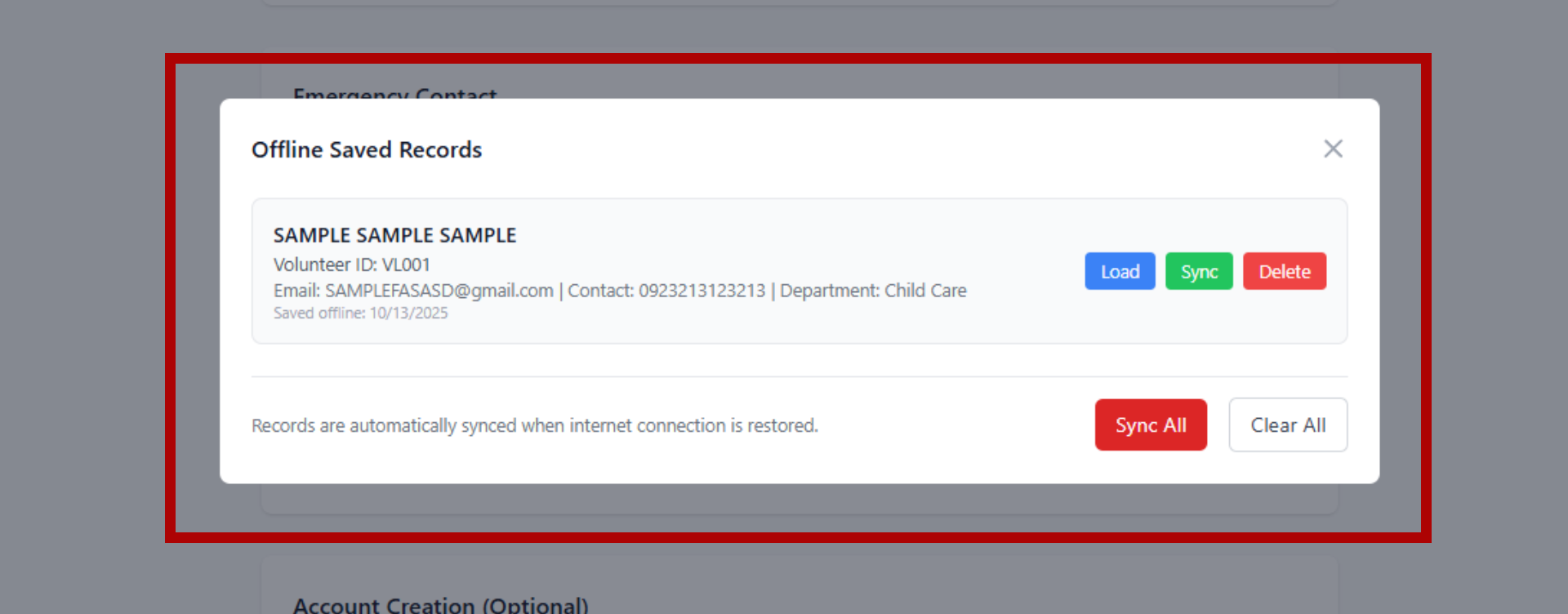
Records are automatically synced when internet connection is restored.
Please wait while we save the volunteer information...
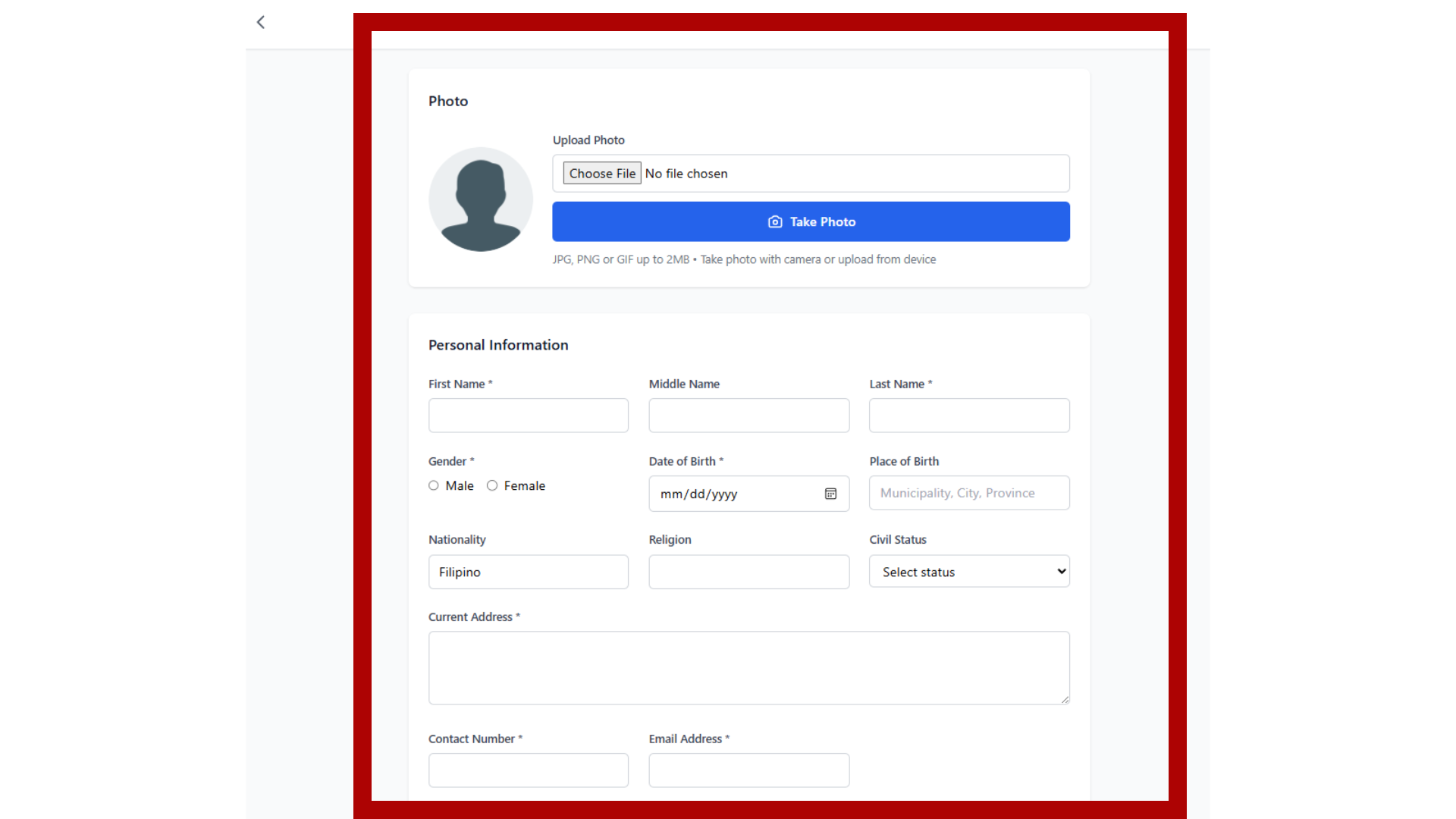
Start by entering the volunteer's personal information including photo, name, contact details, gender, date of birth, and current address. Required fields are marked with an asterisk (*).
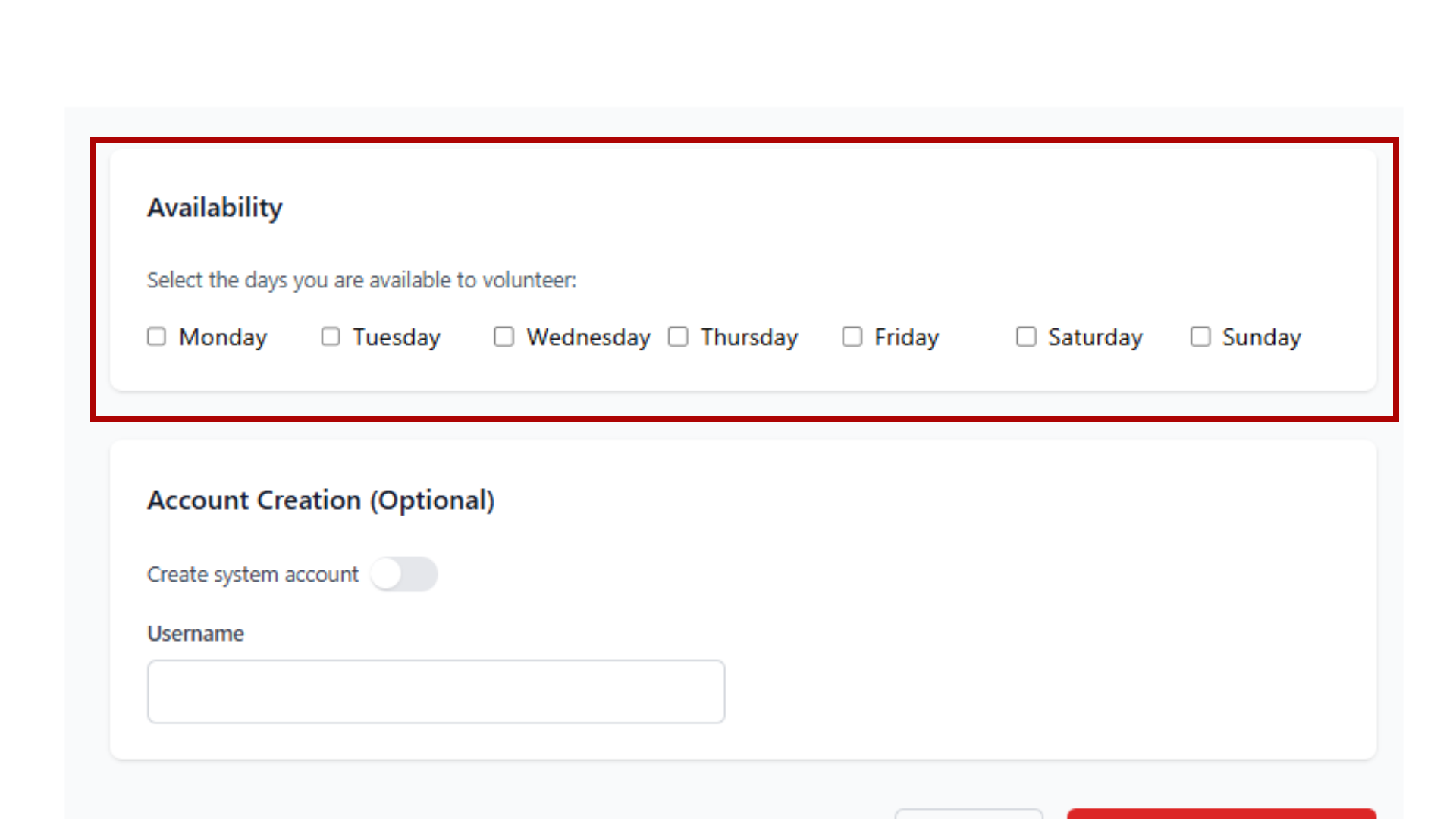
Select the days when the volunteer is available to help. Choose their preferred department, add their skills and experience, and include their motivation for volunteering with the organization.
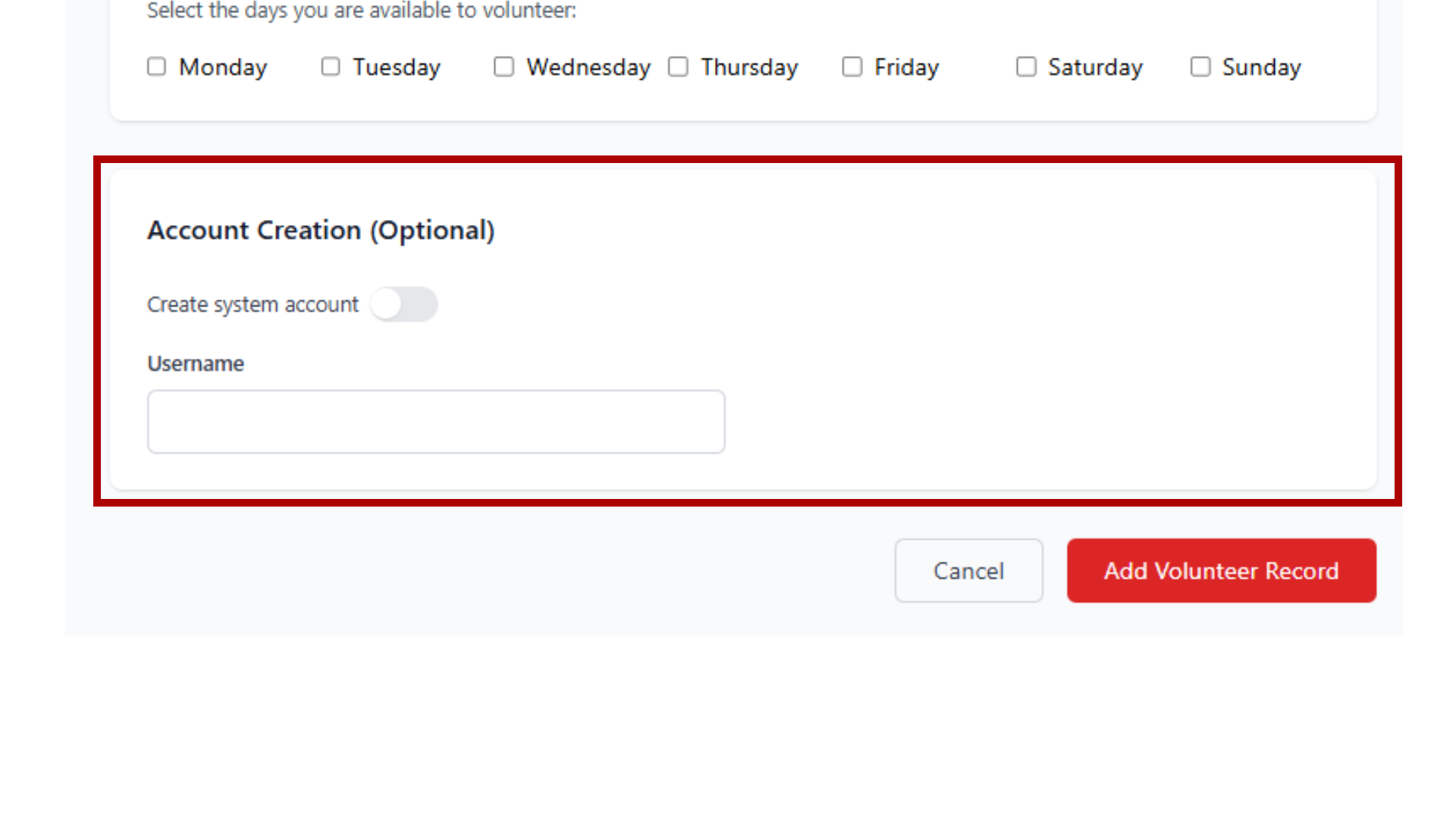
Optionally create a system account for the volunteer. When enabled, they will be able to access the volunteer portal with their email and a system-generated password based on their birthdate.
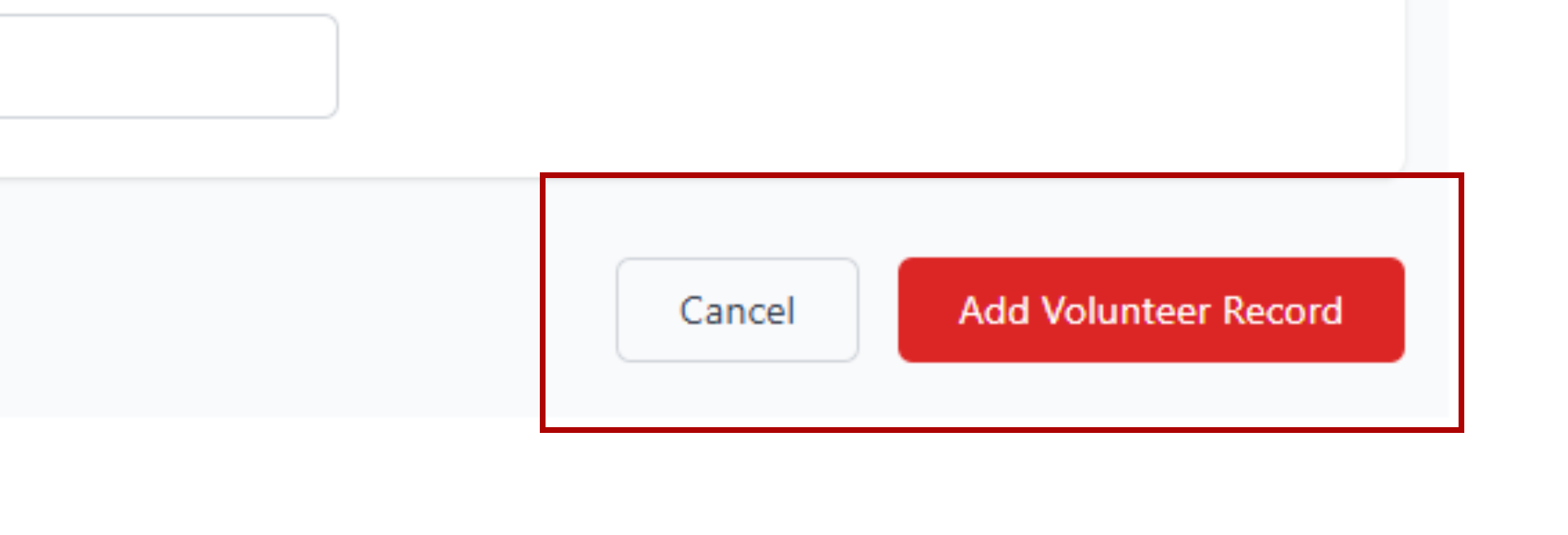
Once all required information is completed, click the "Add Volunteer Record" button to submit the form. The system will validate all required fields before processing.
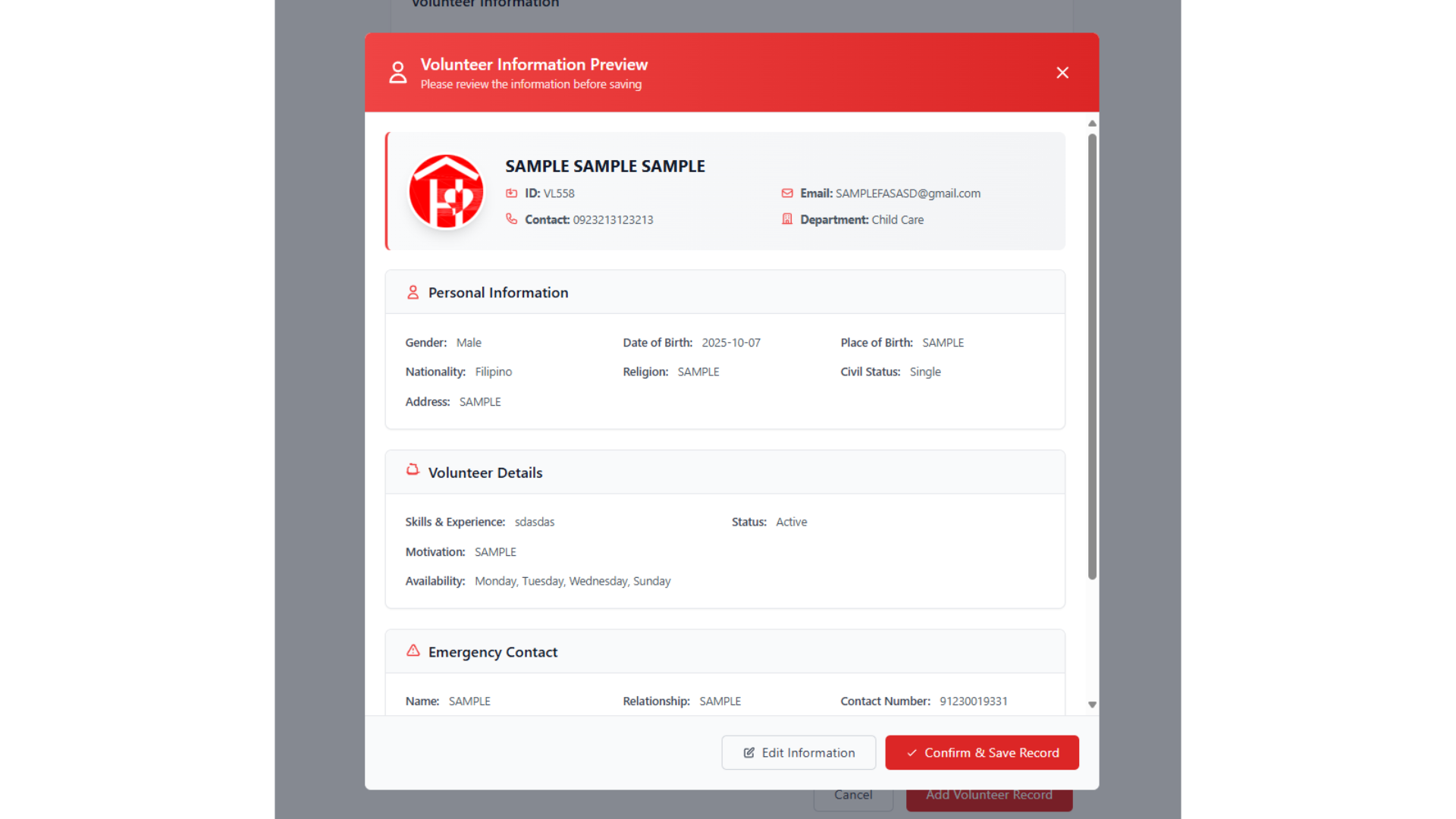
Before final submission, review all entered information in the preview modal. You can edit any details if needed or confirm to save the volunteer record to the database.
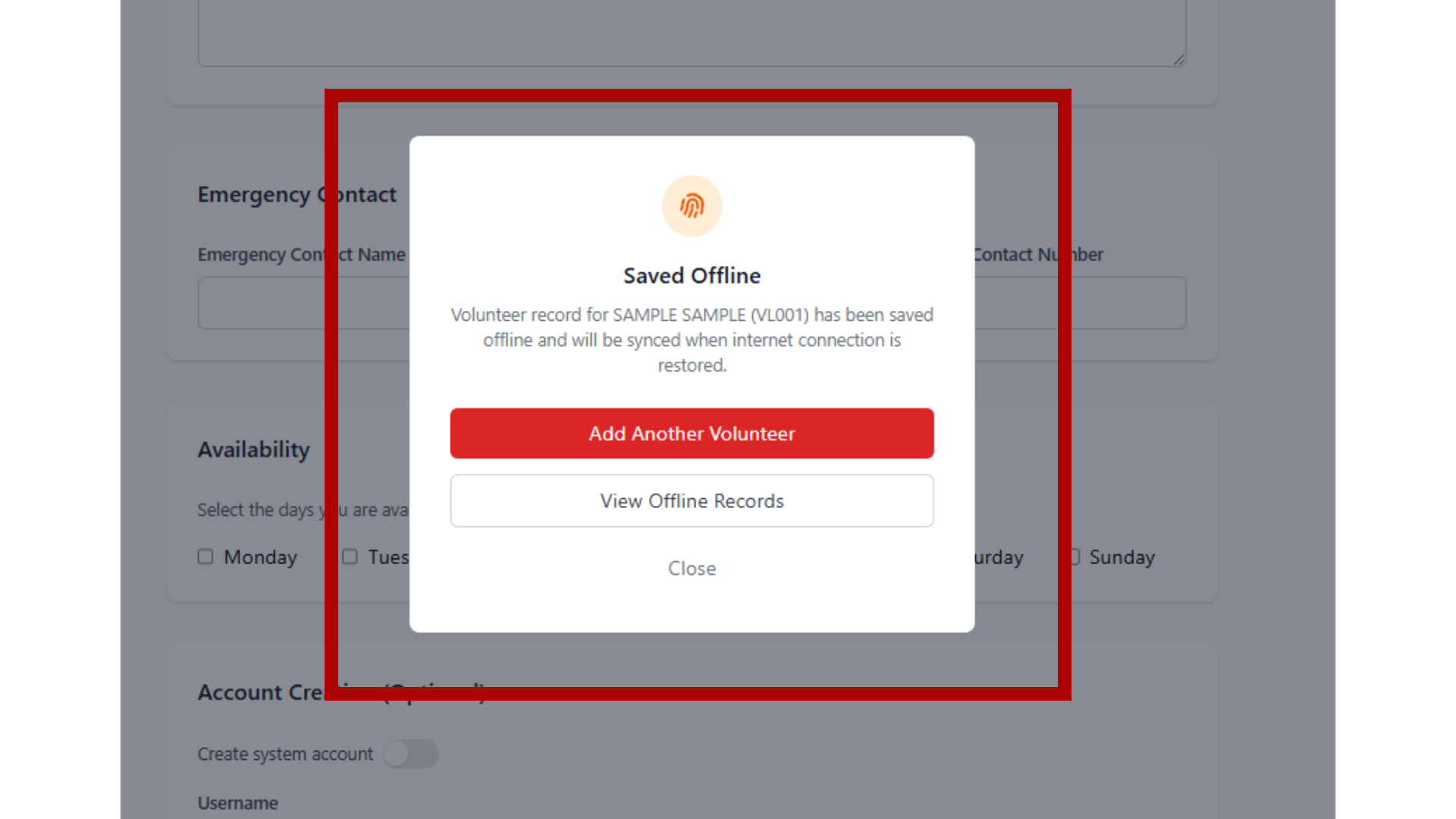
When there's no internet connection or an error occurs, the system automatically saves the record offline. This ensures no data is lost and will be synchronized once the connection is restored.
Access and manage offline saved records through the floating button. You can load saved records to edit them, manually sync individual records, or sync all records at once when connection is available.
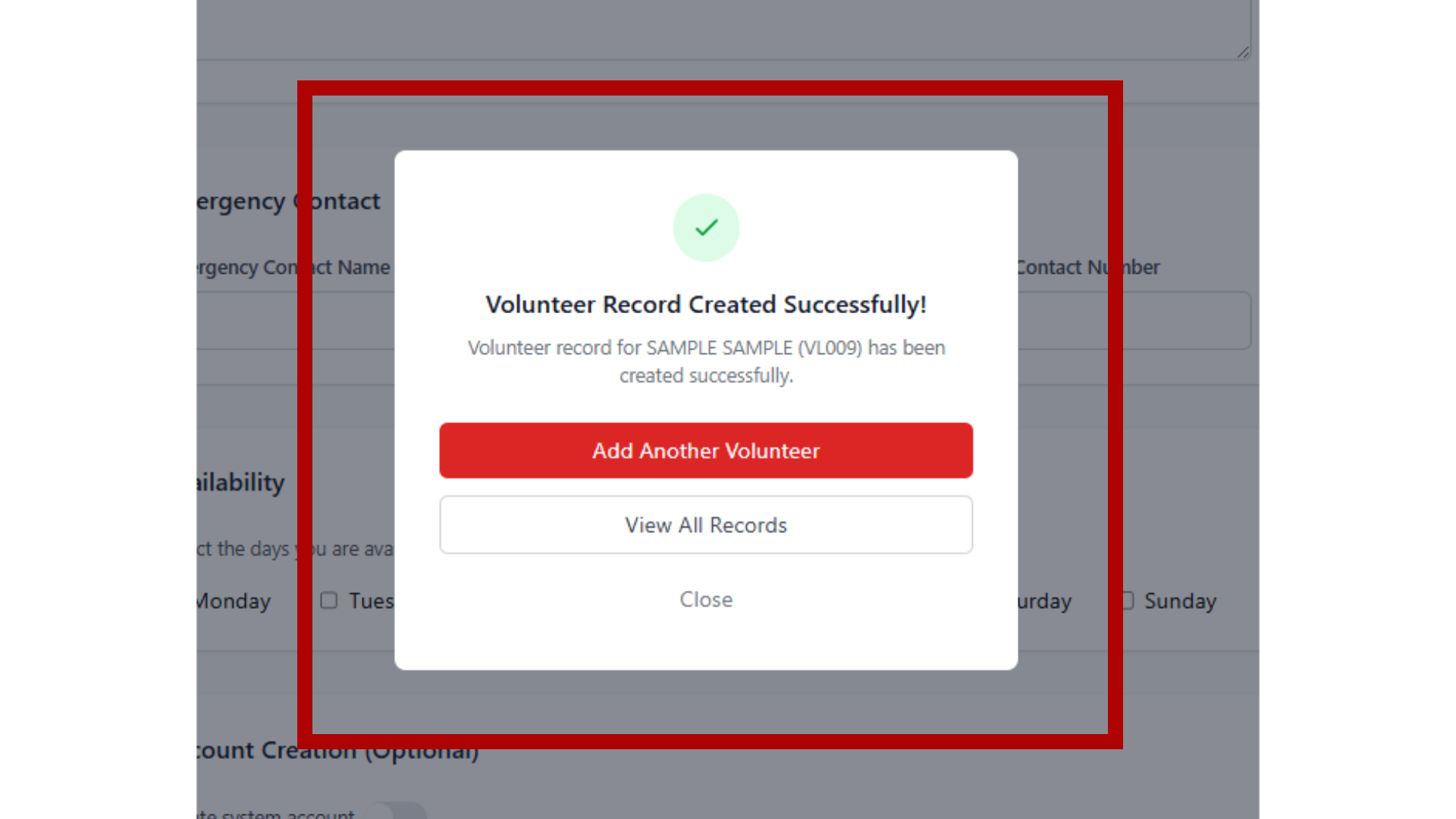
After successfully saving a volunteer record, you'll see a confirmation message with the volunteer ID. You can choose to add another volunteer, view all records, or close the modal. System accounts are created automatically if enabled.
Please review the information before saving