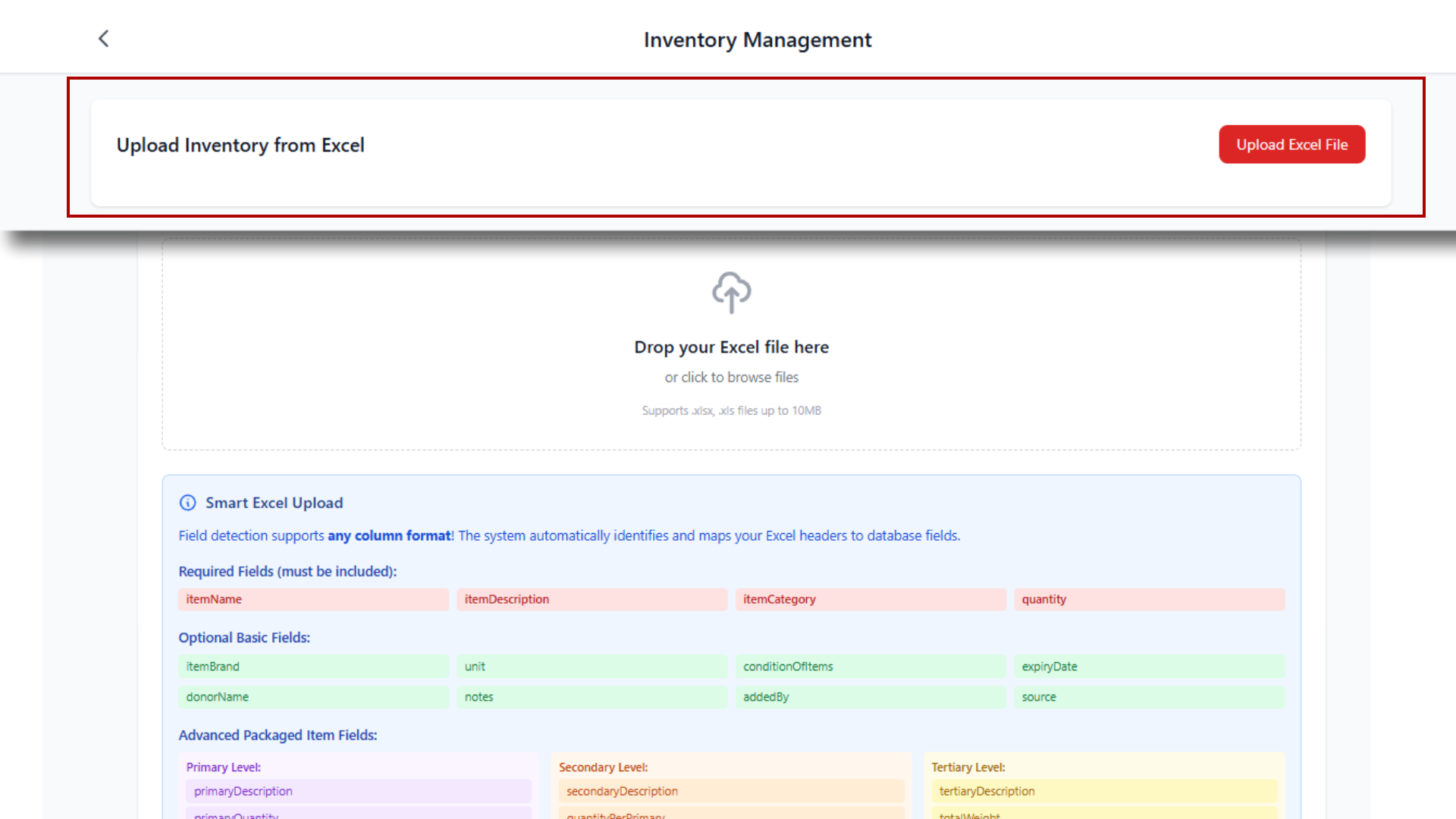
Drop your Excel file here
or click to browse files
Supports .xlsx, .xls files up to 10MB
Processing Excel file...
Reading file contents...
0
Successfully Added
0
Skipped (Duplicates)
0
Errors
Field detection supports any column format! The system automatically identifies and maps your Excel headers to database fields.
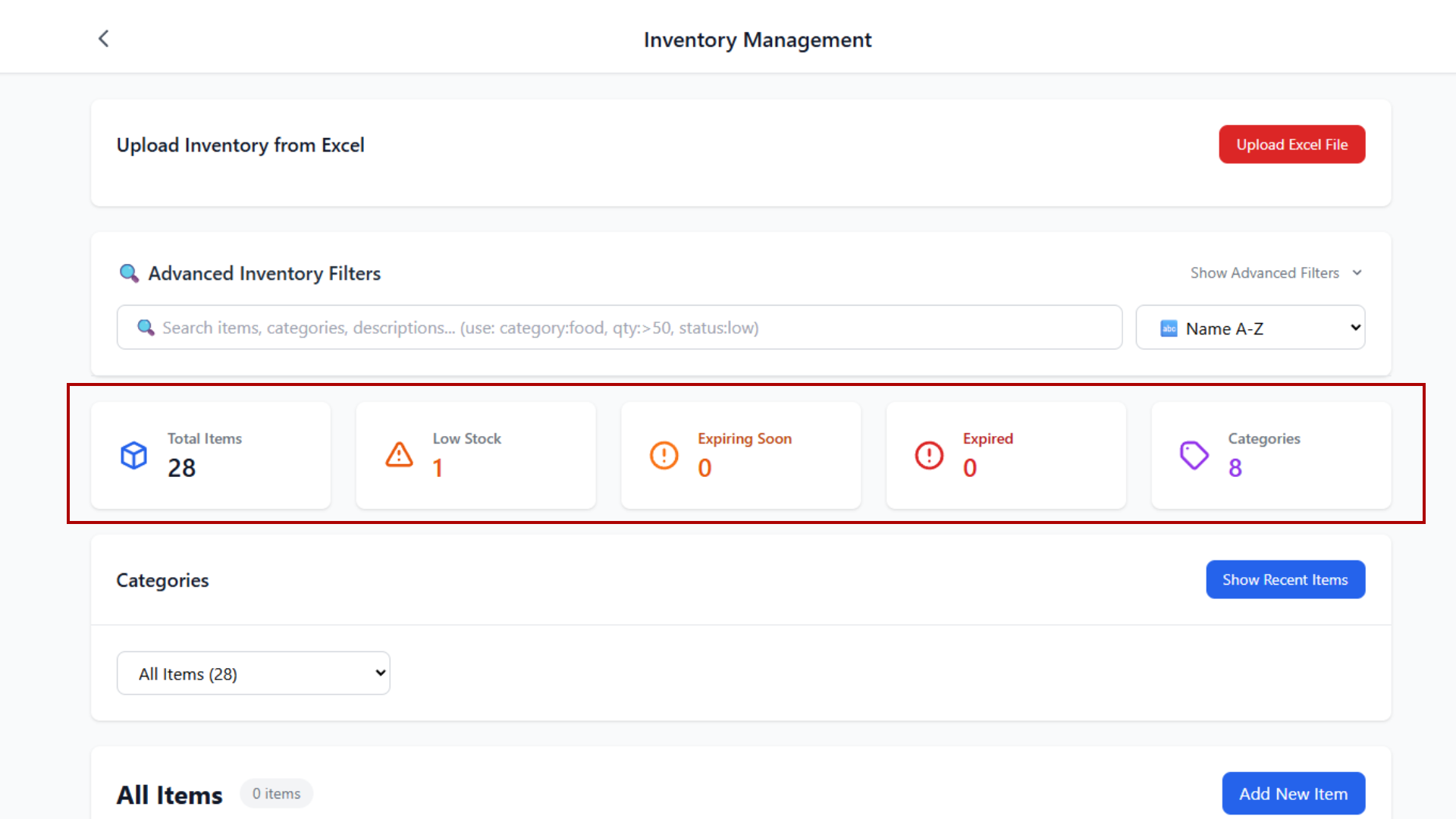
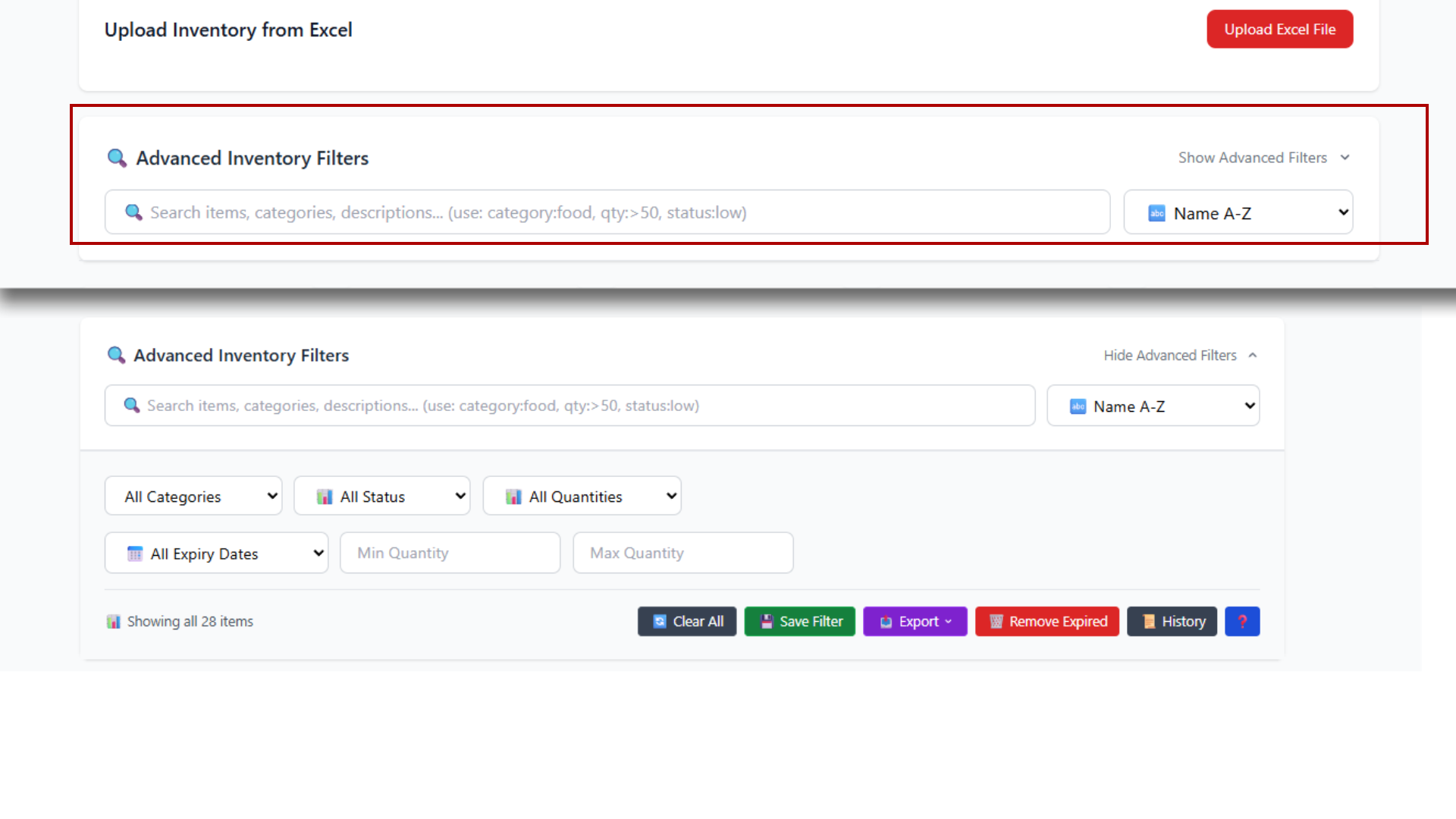
category:food - Search by categoryqty:>50 - Quantity greater thanqty:<10 - Quantity less thanstatus:low - Search by statusexpired:yes - Find expired itemsCtrl+F - Focus searchCtrl+K - Clear filtersCtrl+S - Save filtersCtrl+E - Export dataEsc - Close suggestionsuser:john - Find by useritem:laptop - Find by item nameaction:add - Find by operationqty:>50 - Quantity greater thanqty:<10 - Quantity less thanqty:=25 - Exact quantityTotal Items
0
Low Stock
0
Expiring Soon
0
Expired
0
Categories
0
Start by recording in-kind donations to build your inventory.
This action will permanently remove all expired items from your inventory database.
⚠️ Warning: This action cannot be undone. You will have the option to download a reference list after removal.
Checking for expired items...
All expired items have been successfully removed from your digital inventory.
💡 Helpful Tip: We can generate a PDF list of the removed items to help you remember which expired items need to be physically removed from your storage areas.
Would you like to download this reference list?