No offline records found
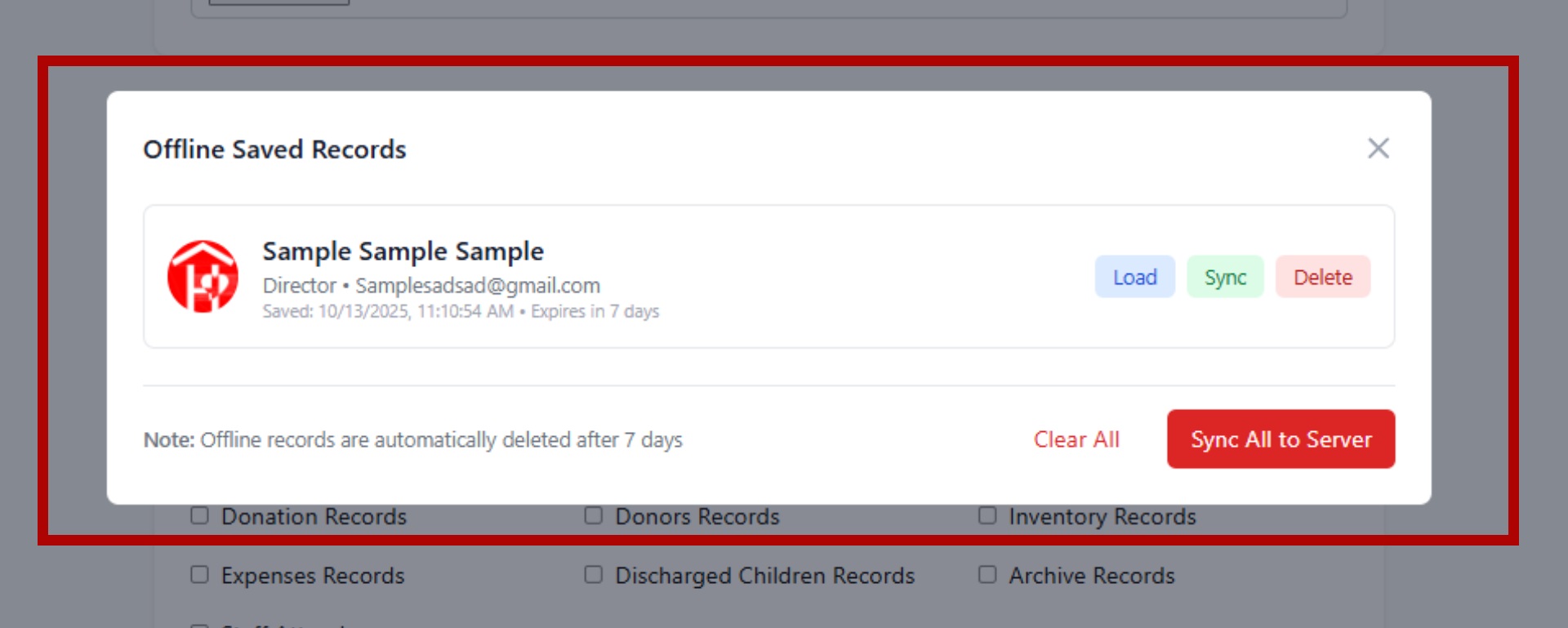
Records saved without internet will appear here
Note: Offline records are automatically deleted after 7 days
Please wait while we upload the staff information to the database...
Processing staff data and documents...
Preparing documents for upload...
0% Complete
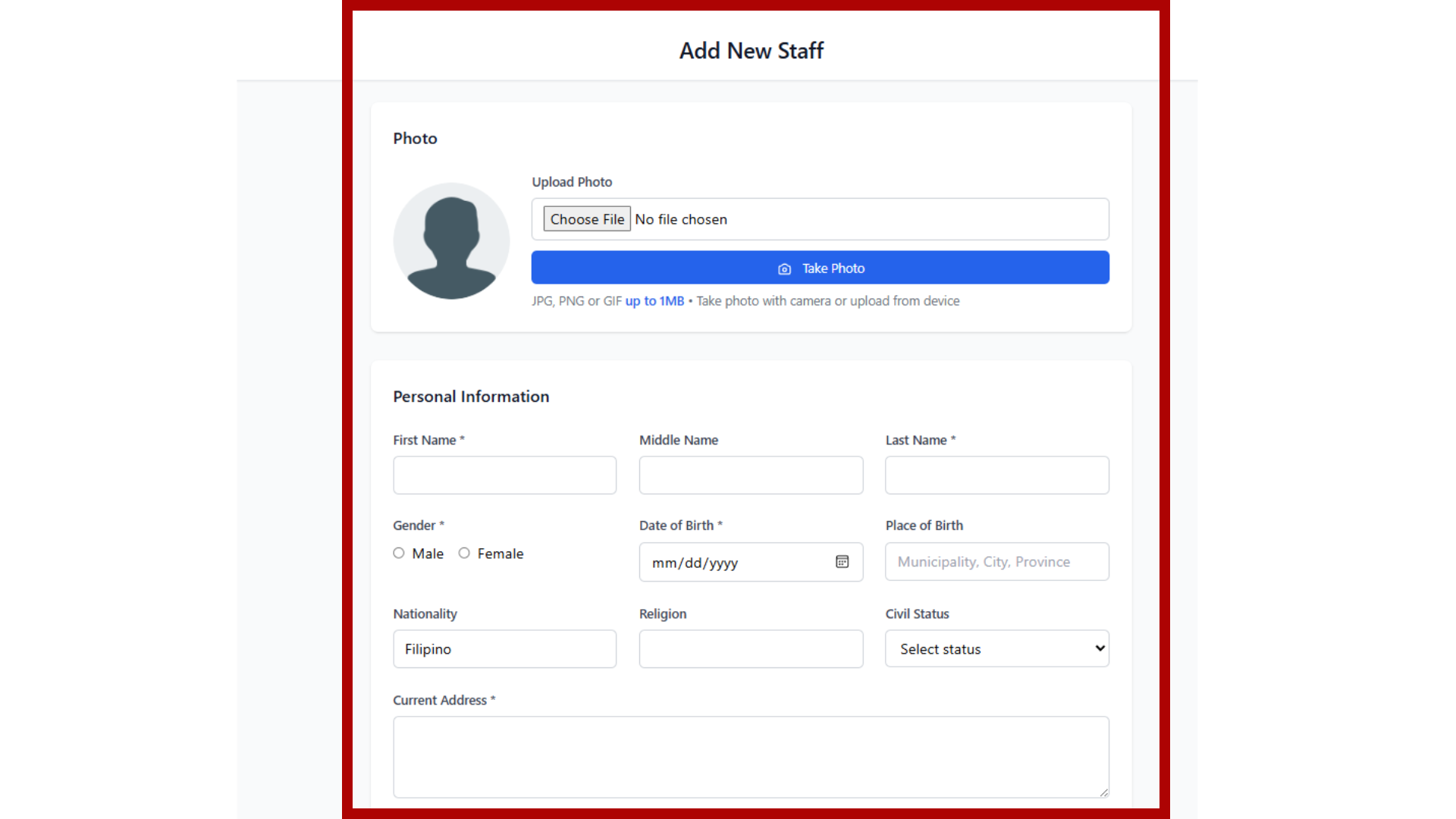
Start by entering the staff member's personal information including photo, name, contact details, educational background, and employment details. Required fields are marked with an asterisk (*).
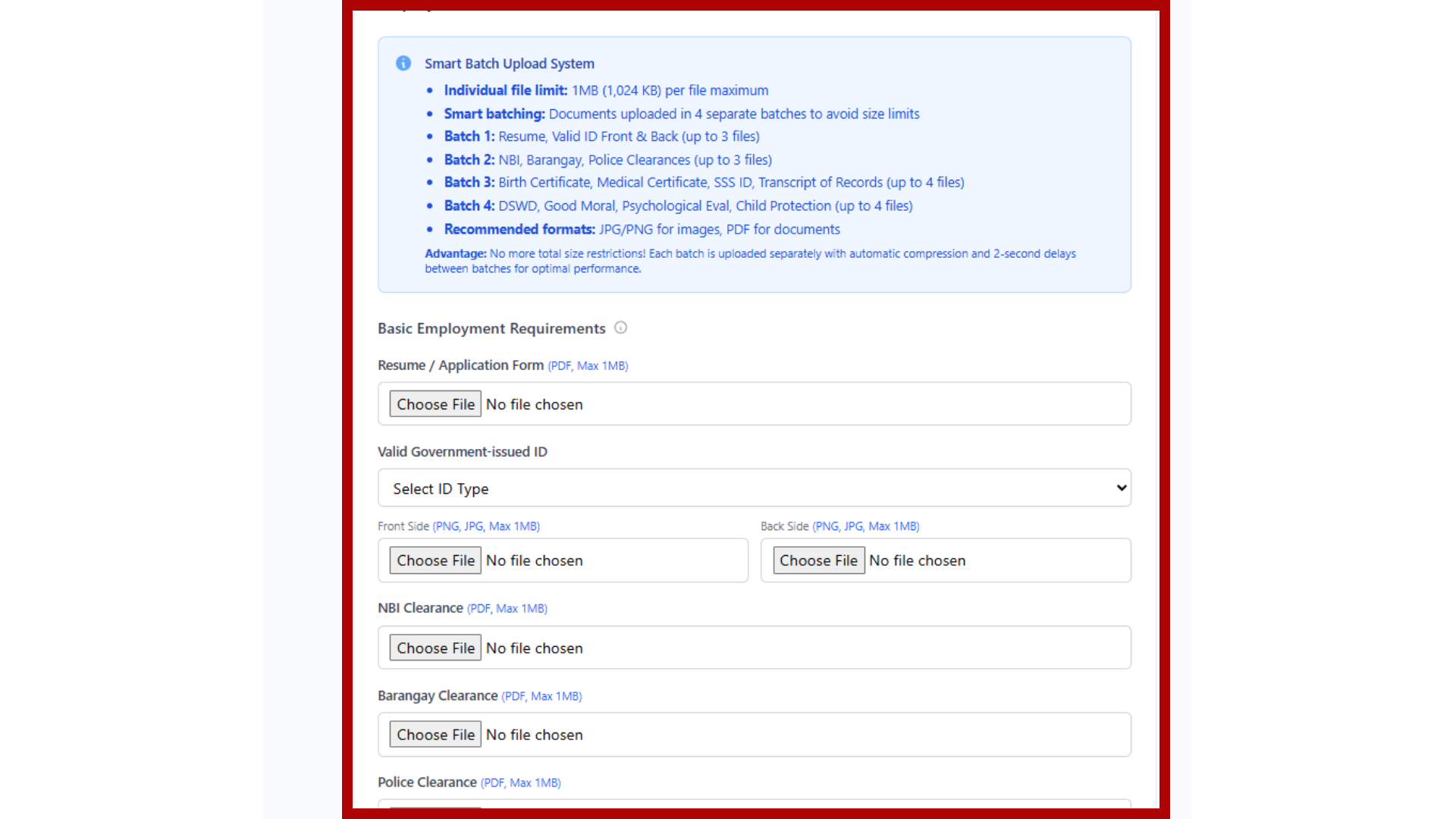
Upload required employment documents including resume, valid IDs, clearances, certificates, and other necessary paperwork. Basic requirements and special requirements for child-caring institutions are clearly categorized.
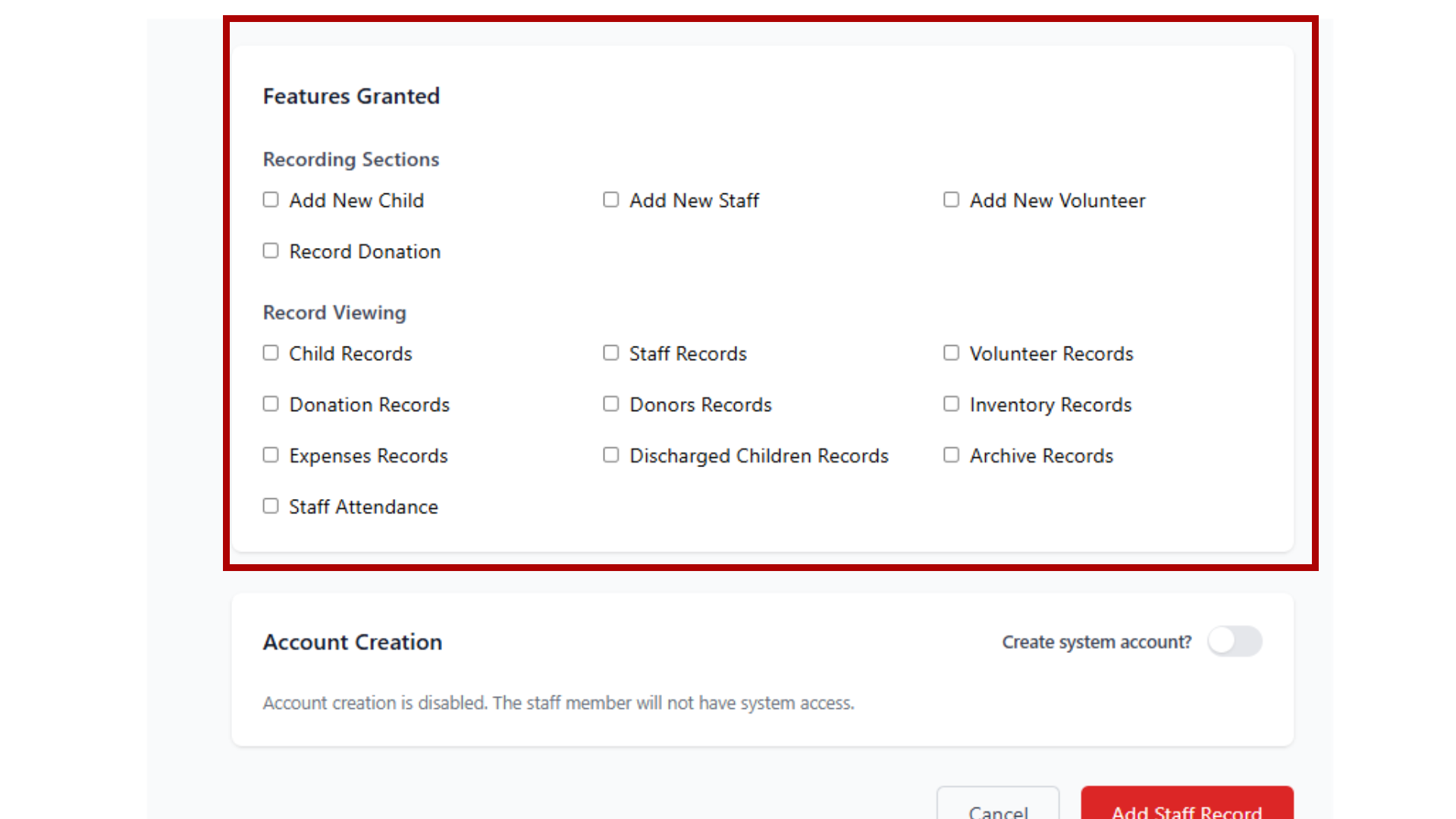
Configure what system features and permissions the staff member will have access to. This determines what actions they can perform within the organization management system.
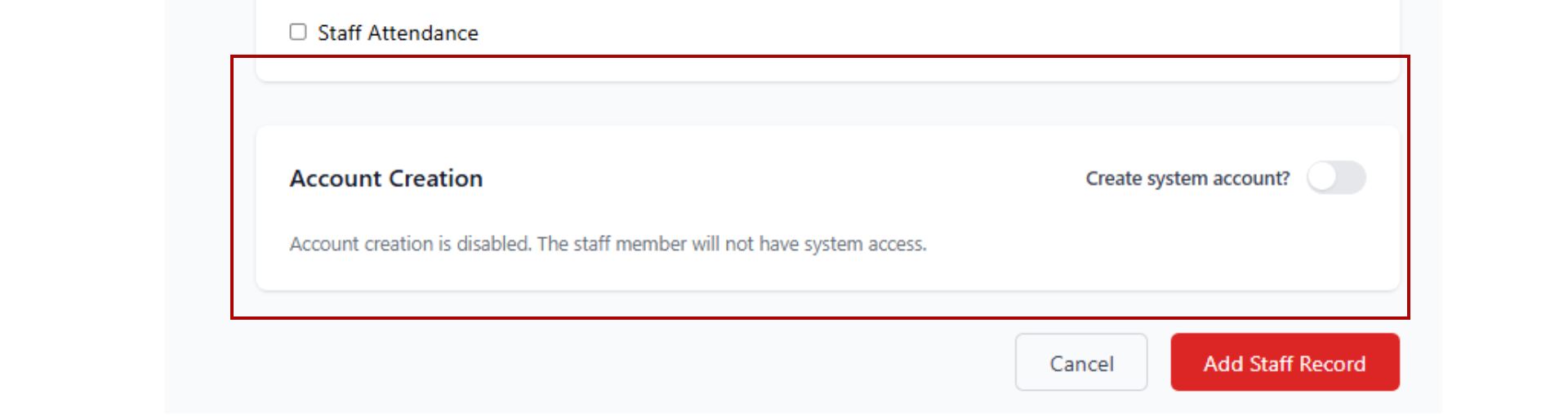
Toggle whether to create a system account for the staff member. When enabled, you can set a username and the features granted section becomes available to define their system permissions.
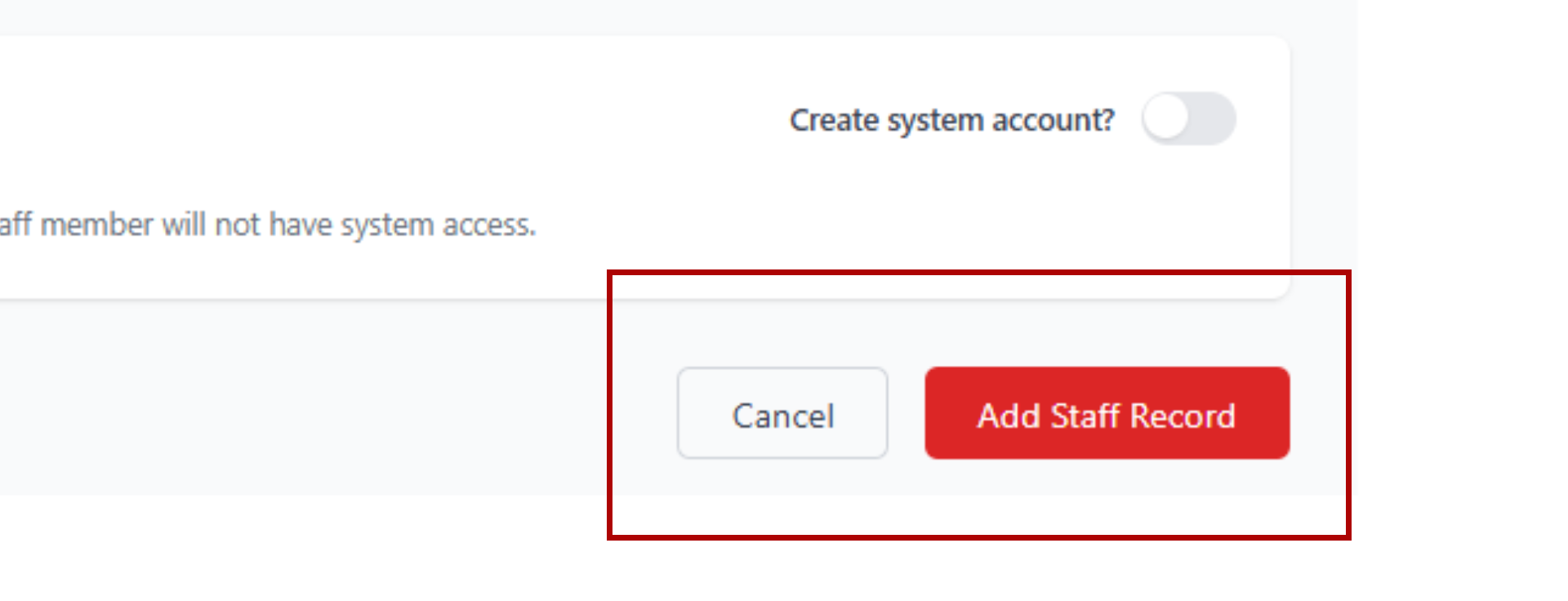
Once all information is completed, click the "Add Staff" button to submit the form. The system will validate all required fields and process the staff registration.
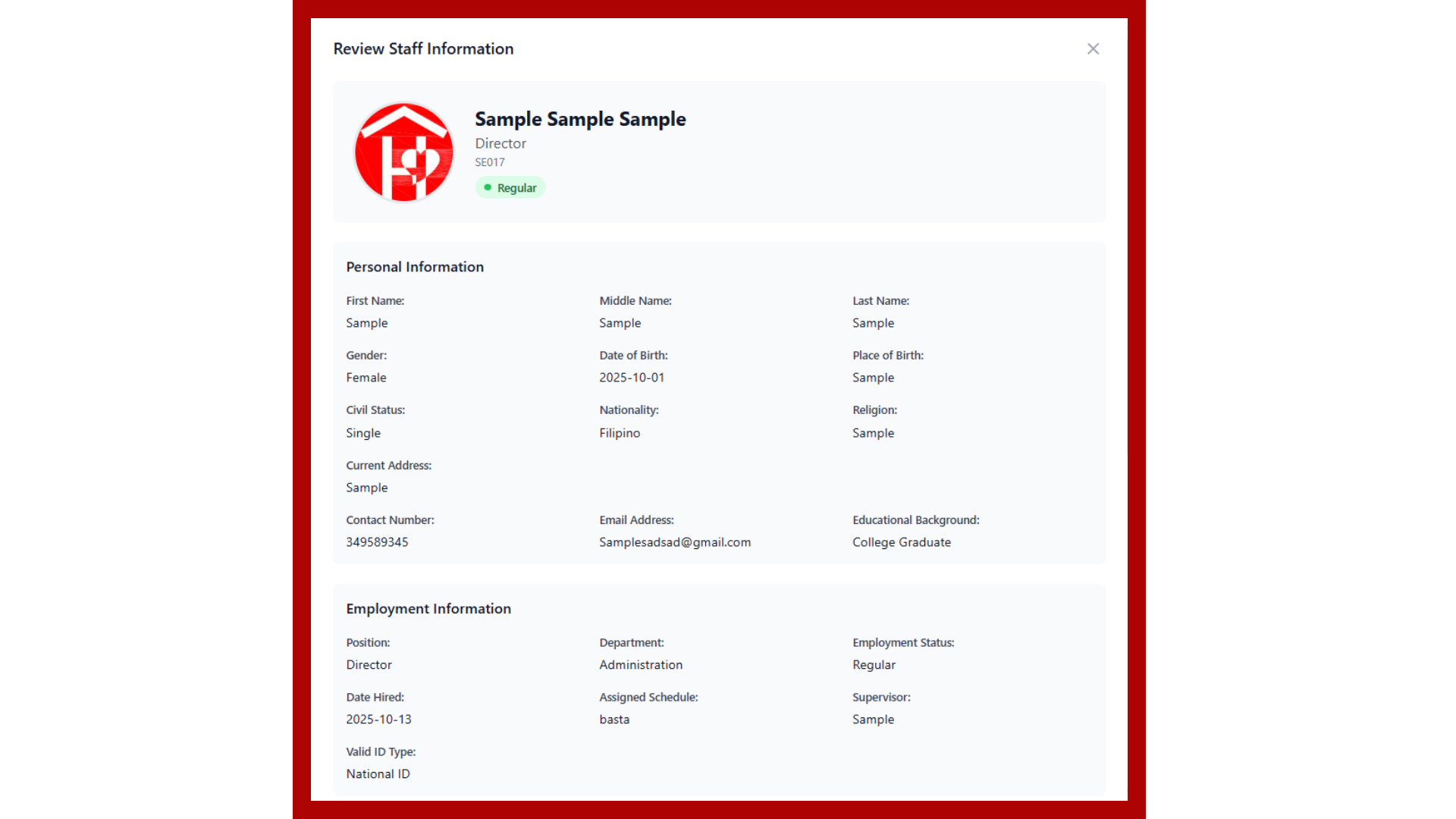
Before final submission, review all entered information in the preview modal. You can edit any details if needed or confirm to save the staff record with all documents to the database.
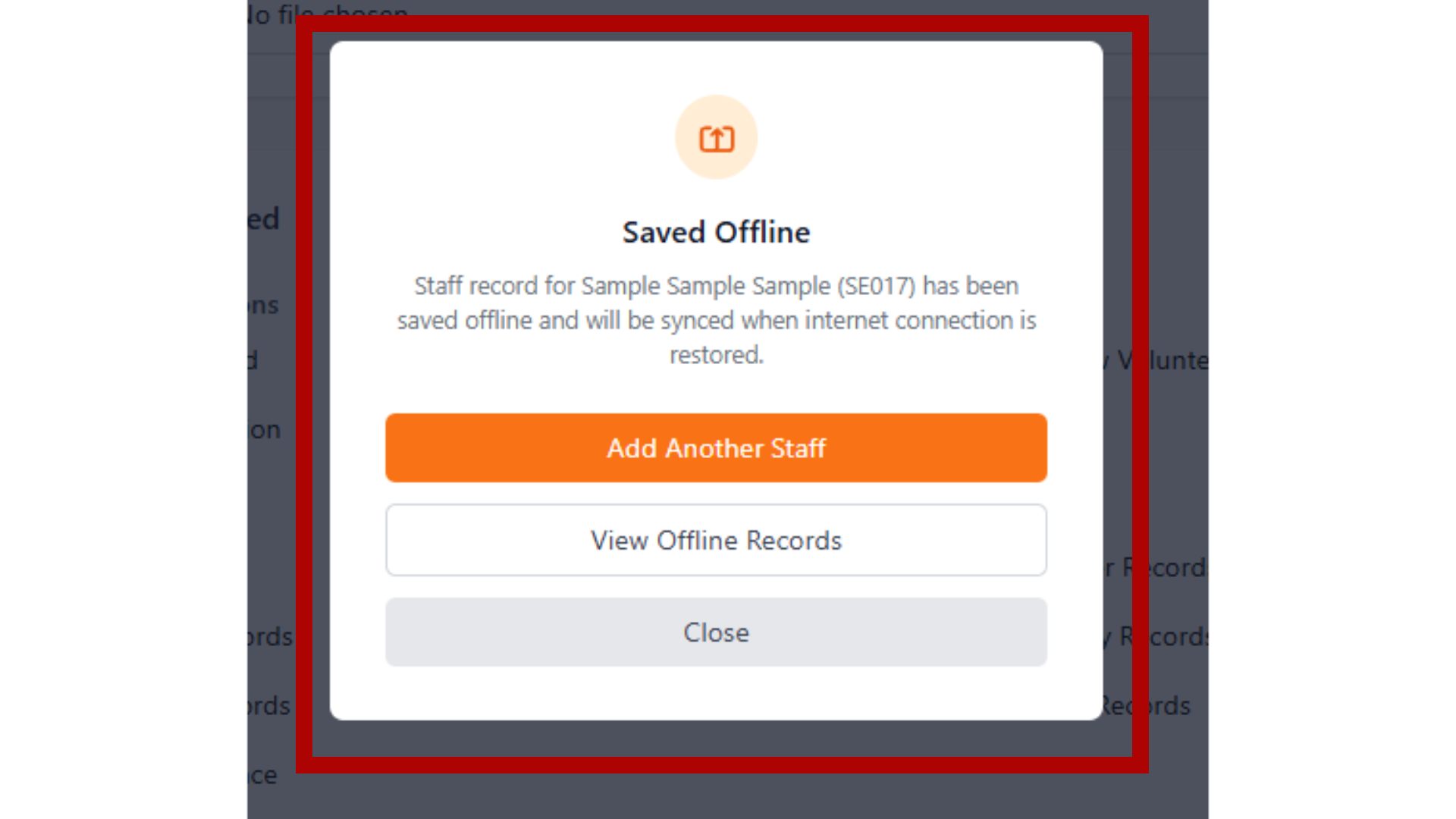
When there's no internet connection or an error occurs, the system automatically saves the record offline. This ensures no data is lost and will be synchronized once the connection is restored.
Access and manage offline saved records through the floating button. You can load saved records to edit them, manually sync individual records, or sync all records at once when connection is available.
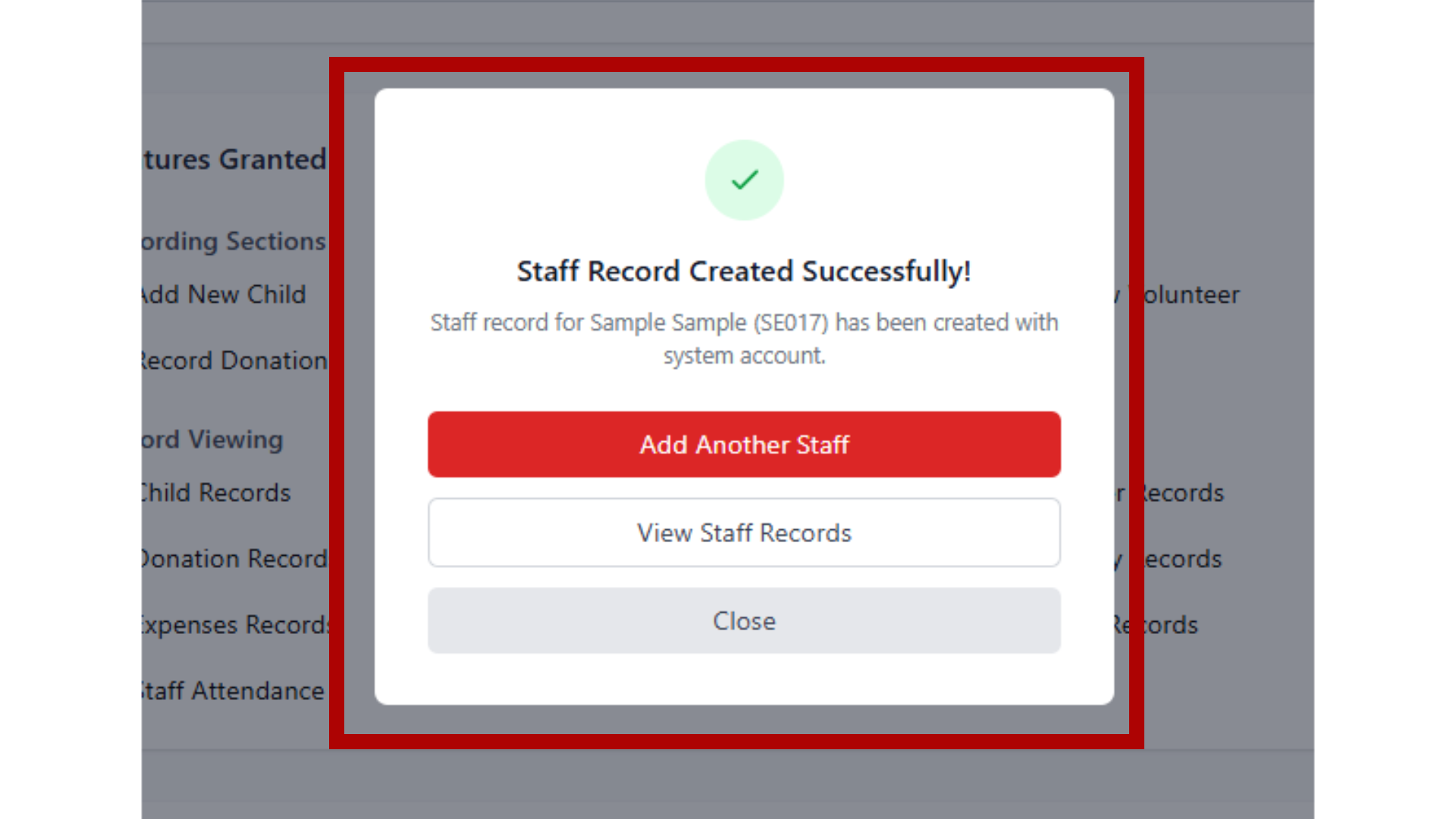
After successfully saving a staff record, you'll see a confirmation message with the staff ID. You can choose to add another staff member, view all records, or close the modal. System accounts are created automatically if enabled.
Initializing camera...
These are the standard documents required for any legal employment in the Philippines:
| Document | Purpose | Required From |
|---|---|---|
| Resume / Application Form | Background and qualifications | All applicants |
| Valid ID (Government-issued) | Identity verification | All applicants |
| NBI Clearance | Certifies no criminal record nationwide | All applicants (very important for orphanages) |
| Barangay Clearance | Confirms good moral character and residency | All applicants |
| Police Clearance | Optional but sometimes required for added background check | Recommended |
| Birth Certificate (PSA) | Proof of age and citizenship | All applicants |
| SSS Number / E1 Form | Social Security System registration | Required upon hiring |
| PhilHealth Number | For government health insurance | Required upon hiring |
| Pag-IBIG Number (HDMF) | For housing and savings fund | Required upon hiring |
| TIN (Tax Identification Number) | For payroll and tax purposes | Required upon hiring |
| Medical Certificate / Fit-to-Work | Certifies physical fitness | Required before starting work |
Since our organization cares for children, additional screening is strongly recommended or required under DSWD and child protection laws:
| Document | Purpose | Legal / Regulatory Basis |
|---|---|---|
| DSWD Clearance | Some positions (especially management or direct care staff) may require DSWD approval | DSWD Administrative Order No. 16, series of 2012 |
| Certificate of Good Moral Character | From previous employer or school - Ensures integrity, especially when working with minors | DSWD standards for child-caring staff |
| Psychological Evaluation / Neuro Exam | Recommended for key staff (assistant director, social workers, house parents) | DSWD standards for child-caring staff |
| Proof of Training / Certificate in Child Protection | Training in child protection protocols and social work (if applicable) | Child protection requirements |
Position
Staff ID